
Turn a copied quote into a graphic for your proposal
Start with the client’s approved words and finish with an image that fits your deck.
On this page
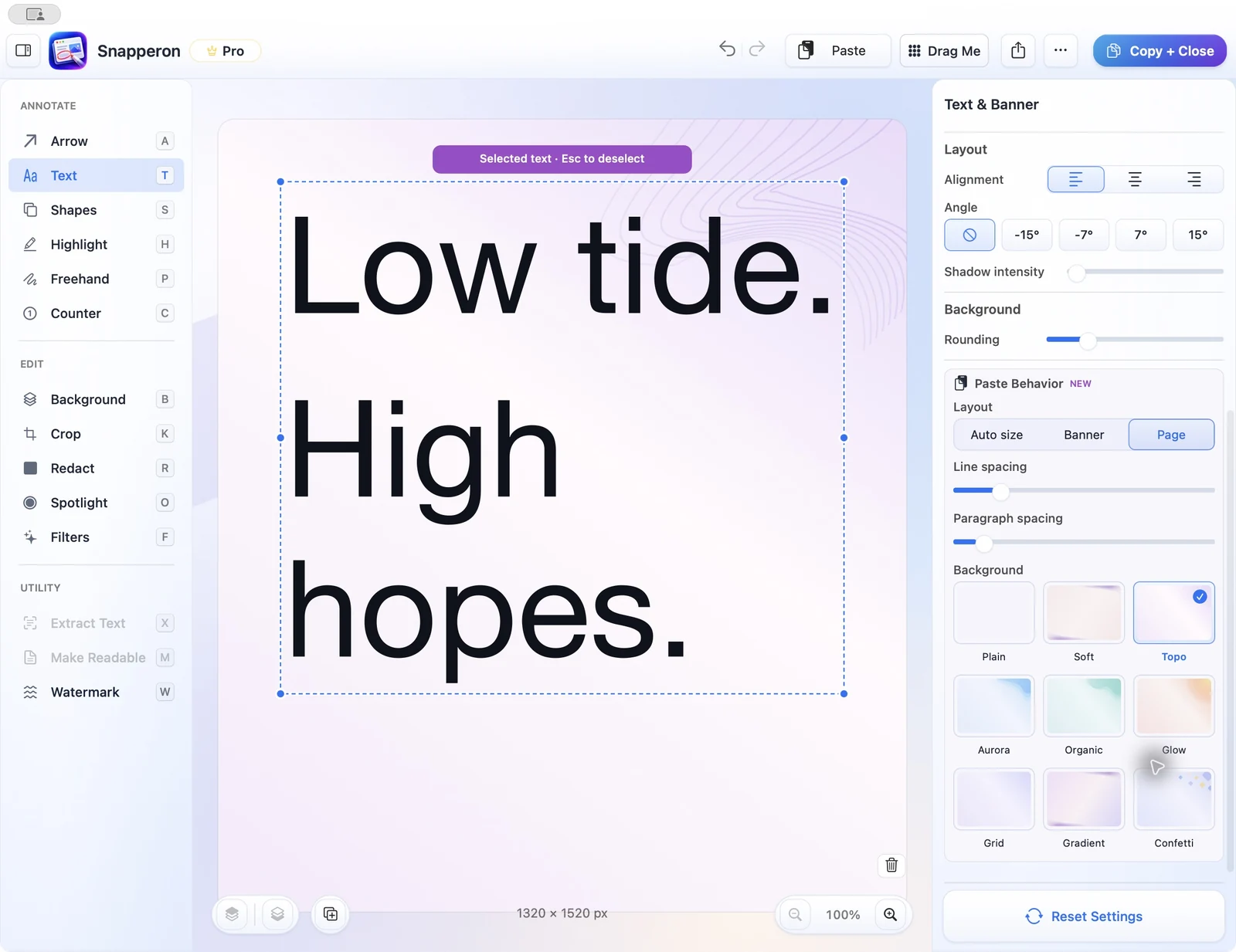 View full size
Copy the words
Copy plain text from your notes.
Create the visual
Choose Capture text from clipboard….
Choose a layout
Pick Banner for one line or Page for a longer note, then adjust Paste Behavior.
Share the graphic
Check the wording and paste the finished graphic into your proposal.
Try the same workflow in the native Mac app.
Start with a screenshot, a local image, a PDF page, or copied text. No Snapperon account required.
Send the download link to your Mac.
Free · No account needed · macOS 14+ · Apple Silicon