
Translate one passage in a screenshot on Mac
Read the customer’s message in your language while keeping the original nearby.
On this page
 View full size
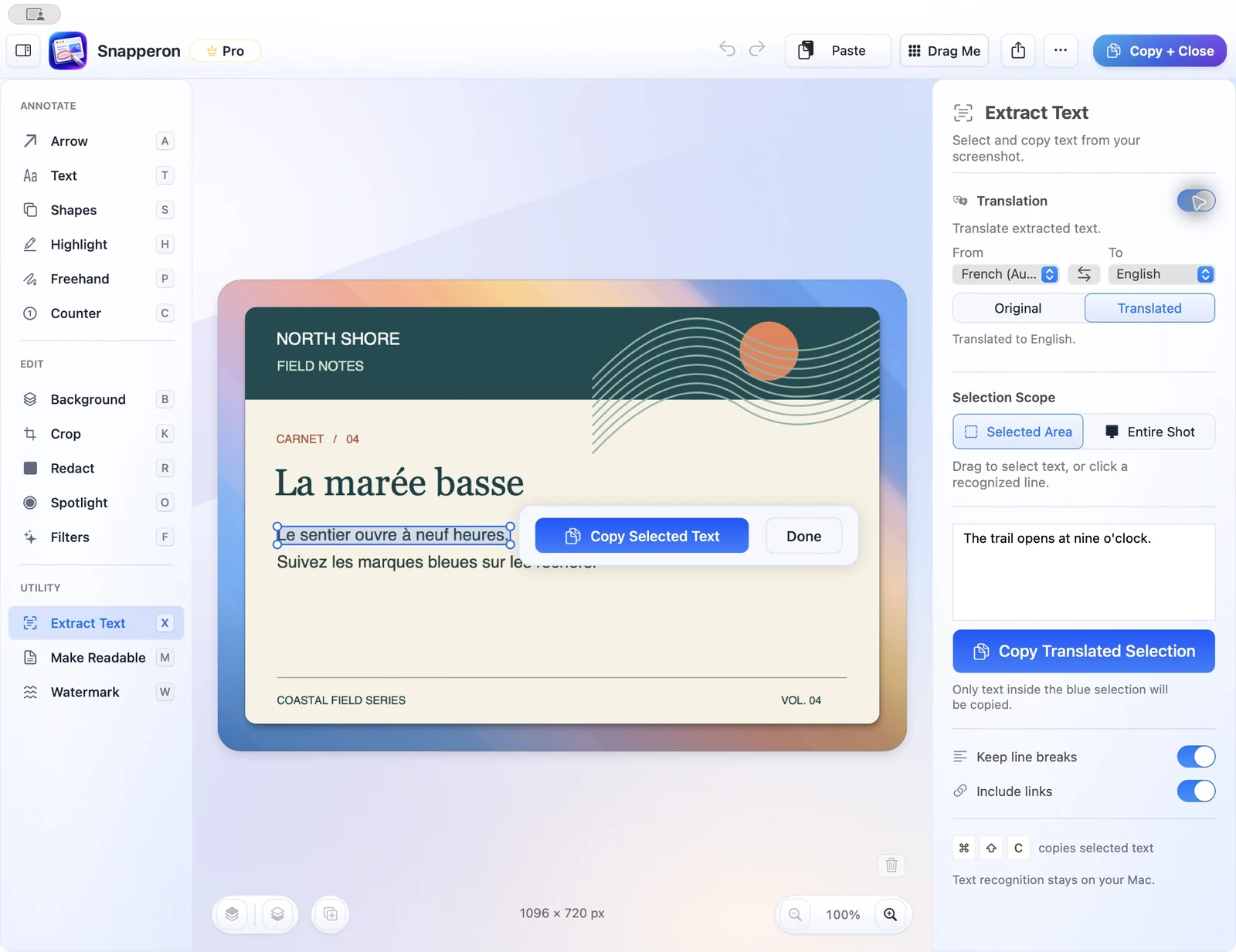
Open the translation controls
On macOS 15 or later, open Extract Text and turn on translation.
Select the message
Choose the language pair and select the passage.
Check the translation
Compare Original and Translated.
Copy or share the result
Copy the translated words, or use Make Readable and share the translated page image.
Try the same workflow in the native Mac app.
Start with a screenshot, a local image, a PDF page, or copied text. No Snapperon account required.
Send the download link to your Mac.
Free · No account needed · macOS 14+ · Apple Silicon