
Turn a wide screenshot into a page you can read on a phone
Give an article excerpt larger type and lines that fit a portrait image.
On this page
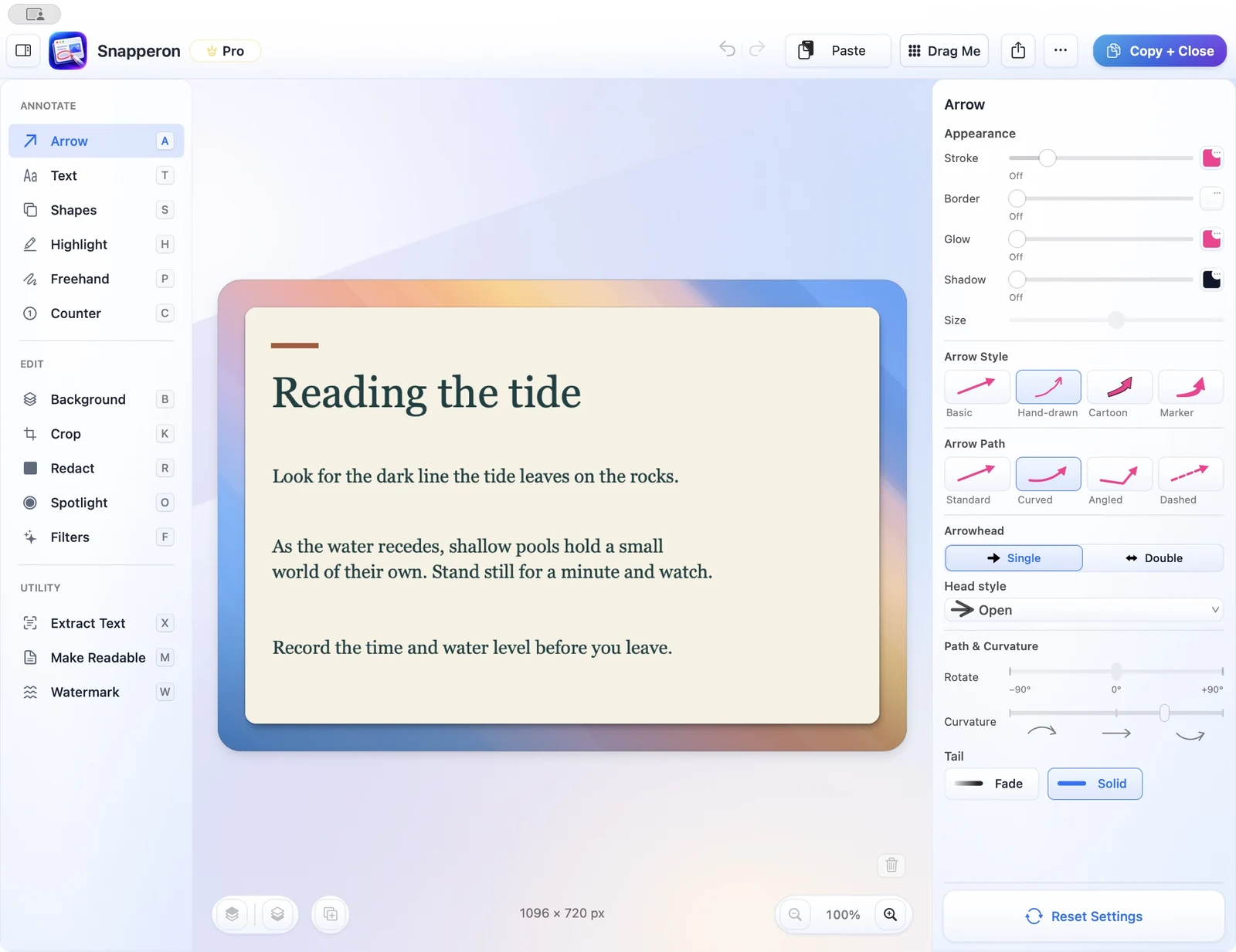
Pick the passage
Start with a wide paragraph or list.
Choose the source area
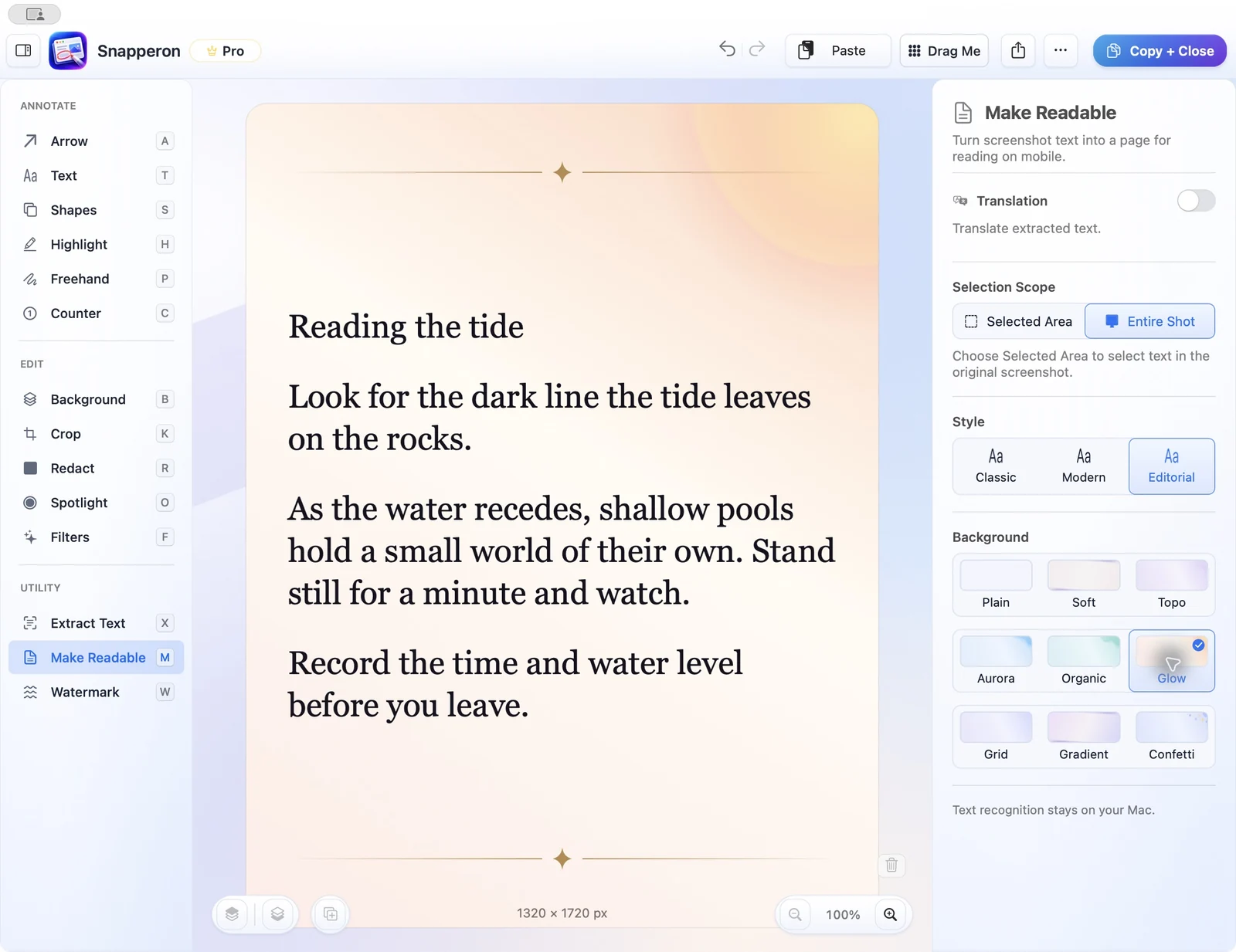
Open Make Readable and pick the portion to share.
Preview the portrait layout
Choose a style and background and check the new line breaks.
Share the page image
Copy the portrait image into a chat or save it as a PNG.
Try the same workflow in the native Mac app.
Start with a screenshot, a local image, a PDF page, or copied text. No Snapperon account required.
Send the download link to your Mac.
Free · No account needed · macOS 14+ · Apple Silicon